自己升級wordpress環境php8.5

https://github.com/superlevin/hacklog-remote-attachment

經營一個網站超過十年,就像是看著一個孩子長大一樣,充滿了滿滿的感情與回憶。這十多年來,我的WordPress網站一直忠實地陪伴著我,但也面臨著需要「轉大人」的考驗。

最近,我下定決心要將網站的底層引擎升級到全新的PHP 8.5,希望能讓網站跑得更快、更順暢,給大家更好的體驗。沒想到,過程卻像是在闖關打怪一樣充滿挑戰!其中最大的一個關卡,就是一個叫做hacklog remote attachment的老套件。它就像是一個充滿回憶但也捨不得搬家的老頑固,不管我怎麼嘗試,它就是無法適應新的環境,導致我的升級計畫一直卡關失敗。

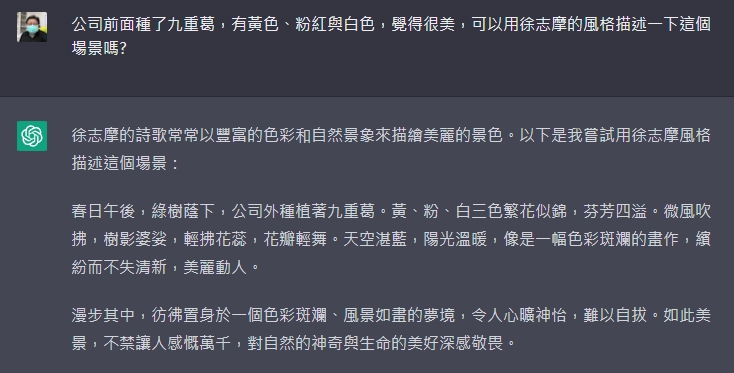
正當我感到有些頭痛,差點要舉白旗投降的時候,我想起了現在最厲害的好幫手,也就是人工智慧AI!我轉念一想,何不請AI來當我的專屬工程顧問呢?於是,我帶著這個老套件的難題,和AI進行了一場深度的跨界交流。

沒想到,AI真的超級神!在它的耐心引導與程式碼微調之下,我們居然成功解開了這個老套件的心結,讓它順利跟上了時代的腳步。當畫面上顯示升級成功的那一刻,我真的感動到想從椅子上跳起來歡呼!

這不僅僅是一次系統的升級,更是我親身見證科技帶來無限可能的一刻。遇到困難真的不要氣餒,轉個彎,或許就會發現新的解法。有時候,只要一點點正向的信念,加上善用身邊的新工具,原本看似無解的難題也能迎刃而解!讓我們一起保持開放的心,快樂迎接每一天的挑戰吧!

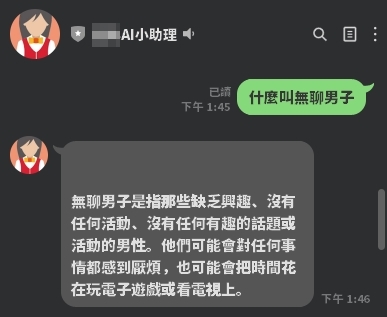
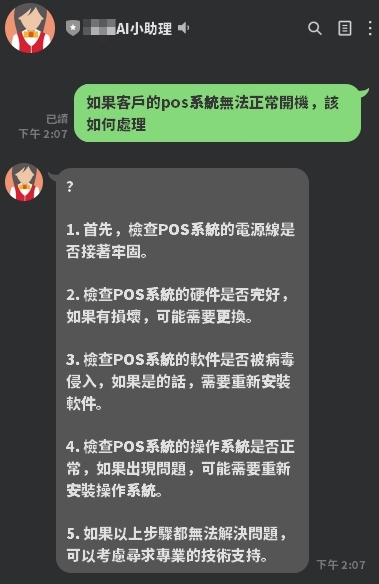
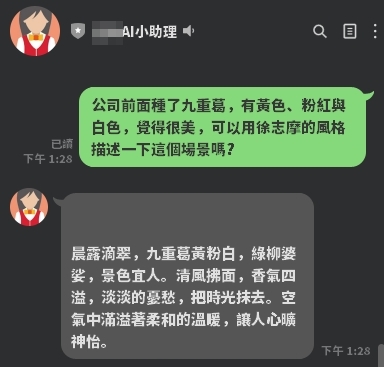
chatGPT與line官方帳號結合 = line ai 小助理

OpenAI設計的ChatGPT問世後,很快的ai的使用人數破億。且chatgpt讓ai整個流行了起來~ 想說台灣最流行的通訊工具line,有沒有機會跟chatgpt串到一起,於是很快的用php以及.net core都串了一次。簡單明瞭~很易懂

分享關鍵的php,有問題歡迎line: superlevin 林壽山


$api_key = 'xxxxxxxxxx';
$curl = curl_init();
curl_setopt_array($curl, [
CURLOPT_URL => 'https://api.openai.com/v1/completions',
CURLOPT_RETURNTRANSFER => true,
CURLOPT_POST => true,
CURLOPT_HTTPHEADER => [
'Content-Type: application/json',
'Authorization: Bearer ' . $api_key
],
CURLOPT_POSTFIELDS => json_encode([
'prompt' => $ask_question,
'model' => 'text-davinci-003',
'max_tokens' => 1000,
'temperature' => 0.3
])
]);
$response = curl_exec($curl);

$json = json_decode($response, true);


Laravel 5.7.17 發佈

2018.12.14 Laravel正式發佈了5.7.17的版本。主要是一些新的query builder方法以及偵測MariaDB連線失效的訊息還有改進Postgres增加foreign keys的改進。

新的query builder方法針對INSERT INTO SELECT增加了一個insertUsing的方法。然後呢在SQL HAVING二個值之間多了一個havingBetween。

對新的版本有興趣的朋友,可以參考Laravel上的changelog。

GitHub 5.7 changelog:

v5.7.17
Added
Added Database\Query\Builder::insertUsing method (#26732, 8216b46)
Added Database\Query\Builder::havingBetween method (#26758)
Added Packets out of order. Expected string to DetectsLostConnections trait (#26760)
Added NOT VALID option for skipping validation when adding postgres foreign keys (#26775)
Fixed
Fixed: Using store on an uploaded file when you push an empty file (#26809)
Fixed hiding for hidden commands (#26781)

PHP管制檔案下載的方式

在許多時候,我們會不希望網友知道網址空間直接下載檔案,或是透過帳號密碼的管控才能下載時,該如何用程式做過濾及管制呢?

header("Content-type:application");
header("Content-Disposition: attachment; filename=file_name");
//file_name是預設下載時的檔名,可使用變數。
readfile("file");
//file是實際存放在你硬碟中要被下載的檔案,可使用變數。
exit(0);

header('Content-Type: application/pdf');
header('Content-Disposition: attachment; filename="downloaded.pdf"');
readfile('original.pdf');
//限制下載速度,使用 while 迴圈加上 sleep。

while (!feof($handle)) {
echo fread($handle, 8192);
sleep(1);
}

$content = "";
$fp = fopen("http://file-to-download.com/a-file.zip", "rb");

if (!$fp)
die("Error opening file.");
while (!feof($fp))
$content .= fread($fp, 2048);
fclose($fp);

$fp=fopen("local-file-name.zip", "w");
fwrite($fp, $content);
fclose($fp);

$OrgFileName = mb_convert_encoding($OrgFileName, 'BIG-5','UTF-8');

$real_path = dirname(__FILE__).'/upload/'.$FileName;

header('Pragma: public');

header('Expires: 0');

header('Cache-Control: must-revalidate, post-check=0, pre-check=0');

header('Cache-Control: public', false);

header('Content-Description: File Transfer');

header('Accept-Ranges: bytes');

// application/force-download 為通用類型,亦可判斷檔案格式做改變

header('Content-Type: application/force-download');

header('Content-Length: '.filesize($real_path));

header('Content-Transfer-Encoding: binary');

// 注意「"」不可省略,否則FireFox會無法正確讀取

header('Content-Disposition:attachment;filename="'.$OrgFileName.'"');

// 讀取來源檔案資料

if ($stream = fopen($real_path, 'rb')){

while(!feof($stream) && connection_status() == 0){

echo(fread($stream,1024*8));

flush();

}

fclose($stream);

}

header('Content-type:application/force-download'); //告訴瀏覽器 為下載
header('Content-Transfer-Encoding: Binary'); //編碼方式
header('Content-Disposition:attachment;filename='.$filename); //檔名
@readfile($filename);
Windows Server 2016 安裝 PHP Laravel

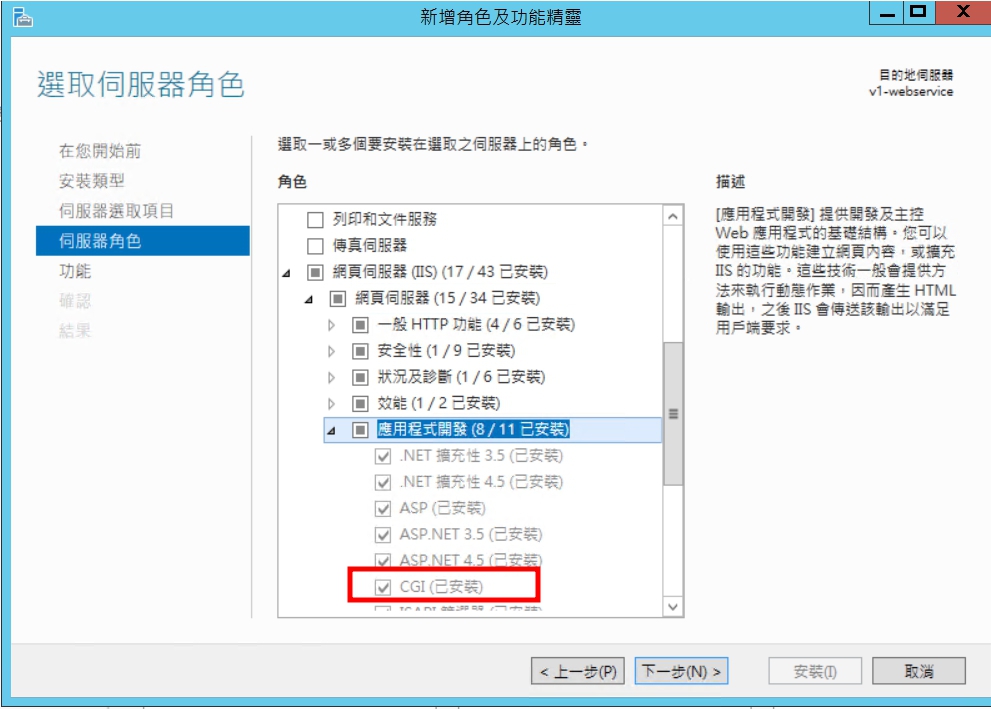
一、開啟CGI功能
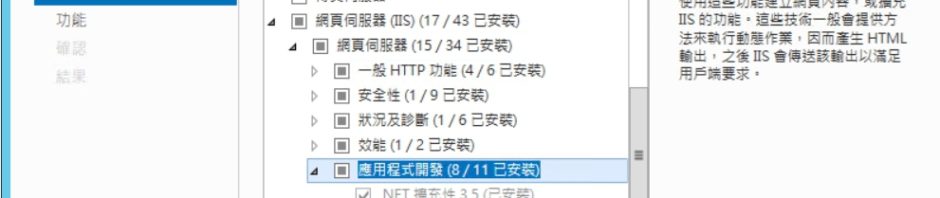
控制台→程式與功能→開啟或關閉Windows功能
開啟CGI

二、下載安裝PHP
http://windows.php.net/download/
三、修改php.ini
fastcgi.impersonate = 1
fastcgi.logging = 0
cgi.fix_pathinfo=1
cgi.force_redirect = 0
date.timezone = “Asia/Taipei”
extension_dir = “C:\PHP\ext”
四、安裝Visual C++ 可轉散發套件
五、IIS設定處理常式對應
六、IIS設定預設文件index.php
七、安裝URL Rewrite
https://www.iis.net/downloads/microsoft/url-rewrite

Laravel 5.4連線MS SQL Server方式

1. config/database.php 新增
[code]
// 2017.04.05 by lin shou shan
‘sqlsrv’ => [
‘driver’ => ‘sqlsrv’, //
‘host’ => ‘localhost\sqlexpress’, // 資料庫位置及別名
‘username’ => ‘sa’, //密號
‘password’ => ”, //密碼
‘database’ => ”, //資料庫
‘prefix’ => ”,
],
[/code]
2..env修改
DB_CONNECTION=sqlsrv

3.route,web.php測試
Route::get(‘/’, function () {
var_dump( DB::table(‘tablename’)->first() );
});

CodeIgniter on Win10記得裝ODBC Driver 11 for SQL Server

在新的Win10上裝上XAMPP後發現CI連不上SQL Server,於是先用原生的方式找到解決的方法

$serverName = "localhost\sqlexpress";
$connectionInfo = array( "Database"=>"Pos", "UID"=>"sa", "PWD"=>"");
$conn = sqlsrv_connect( $serverName, $connectionInfo);
if( $conn ) {
echo "Connection established.
";
}else{
echo "Connection could not be established.
";
die( print_r( sqlsrv_errors(), true));
}

才知道WIN10預設沒有ODBC Driver 11 for SQL Server

https://www.microsoft.com/zh-TW/download/details.aspx?id=36434